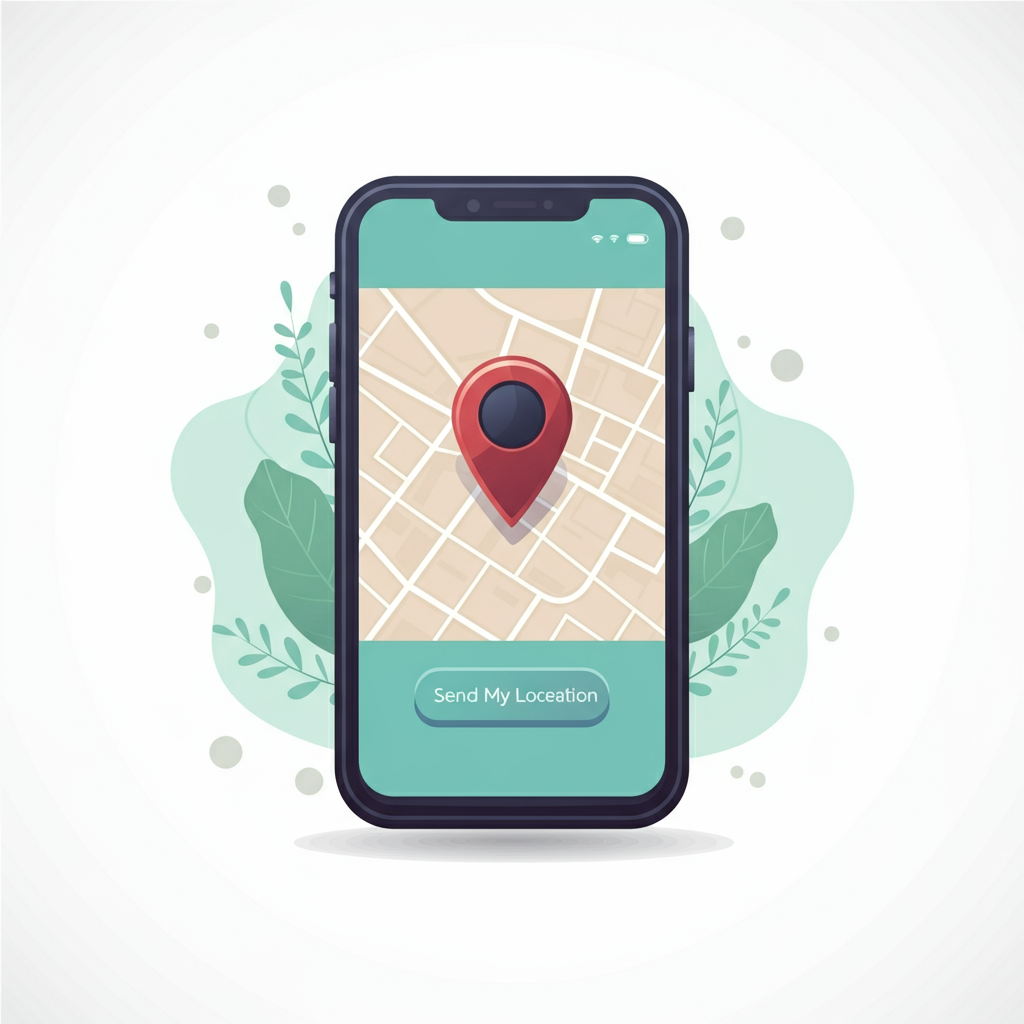
Send My Location Application Have you ever struggled to convey your exact location to friends or family? Say goodbye to navigation mishaps with our revolutionary "Send My Location" application


| Name | Send My Location |
|---|---|
| Publisher | CKH |
| Genre | Maps Navigation |
| Size | 3MB |
| Version | Version 4.0 |
| Update | July 7, 2025 |
| Get it On | Play Store |
| Report | Report Apps |
Preview


Explore this article
How to Send My Location: The Complete Guide to Safe Location SharingWhat is Location Sharing and Why Is It Important?How to Send Your Location on iOSUsing iMessage for iPhone Location SharingUsing the Find My AppManaging Privacy Settings on iOSHow to Send Your Location on AndroidUsing Google Maps for Location SharingUsing Google’s Built-in Location SharingBest Practices for Android Privacy SettingsAdvanced Features and AppsReal-Time Tracking and GeofencingThird-Party Location Sharing AppsPrivacy and Safety ConsiderationsUnderstanding Privacy Settings and PermissionsRisks of Over-Sharing Location DataTips for Protecting Your PrivacyTroubleshooting Common IssuesInaccurate Location ProblemsBattery Drain SolutionsConnectivity IssuesShare Your Location Safely and Stay Connected
How to Send My Location: The Complete Guide to Safe Location Sharing
Location sharing has become an essential feature for staying connected with family, friends, and colleagues. Whether you’re coordinating a meet-up, ensuring your loved ones know you’ve arrived safely, or helping someone find your exact location during an emergency, knowing how to send your location effectively can make all the difference.
Modern smartphones offer built-in location sharing capabilities that are both powerful and user-friendly. However, with great convenience comes the responsibility to understand privacy settings and safety considerations. This comprehensive guide will walk you through everything you need to know about sharing your location safely and effectively across different platforms and devices.
What is Location Sharing and Why Is It Important?
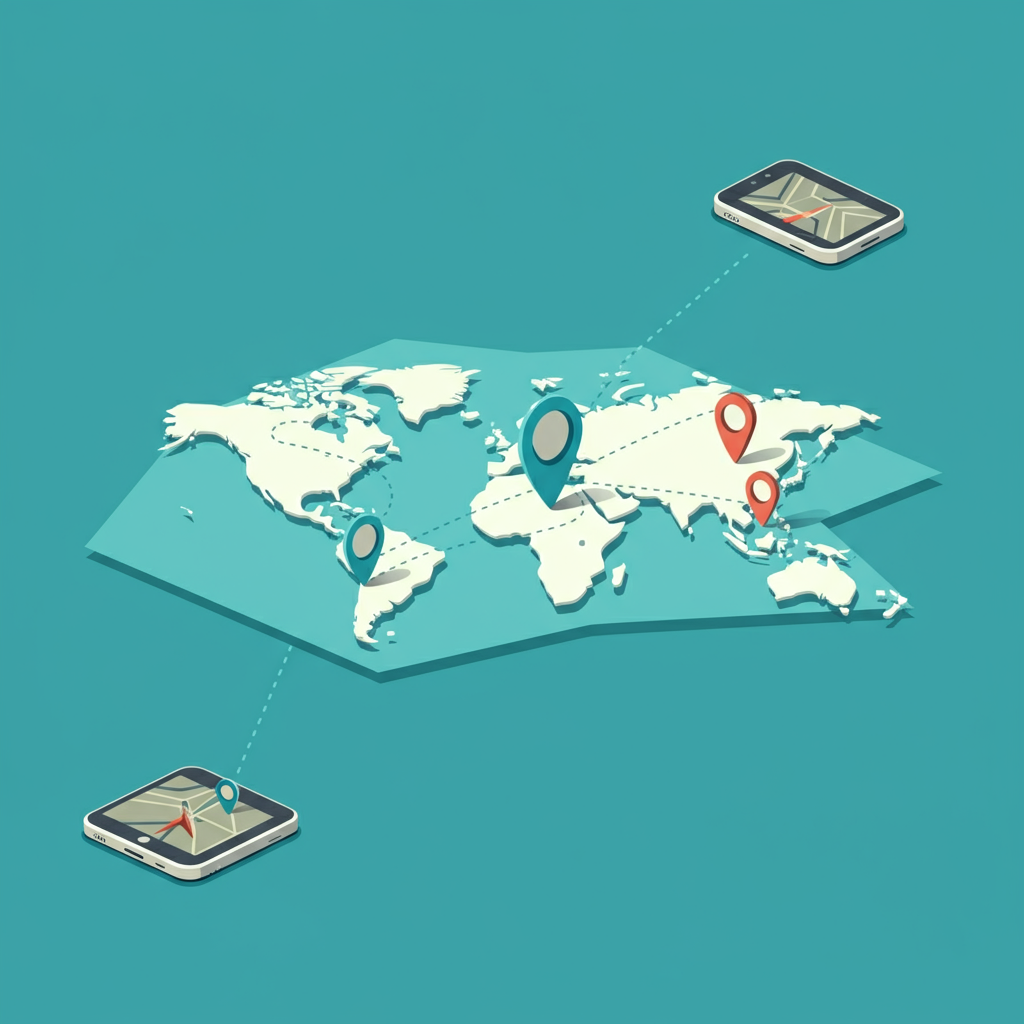
Location sharing refers to the ability to send your real-time or static GPS coordinates to other people through various digital platforms. This technology uses your device’s GPS, Wi-Fi, and cellular data to pinpoint your exact location and transmit it to selected contacts.
The applications for location sharing are numerous and practical:
Emergency Situations: When you’re in distress or need immediate help, sending your location can be life-saving. Emergency responders can locate you quickly and accurately, even if you’re unable to provide detailed directions.
Meeting Coordination: Instead of trying to describe complex directions or landmarks, you can share your exact location with friends or colleagues. This eliminates confusion and reduces the time spent searching for each other.
Travel Safety: When traveling alone or in unfamiliar areas, sharing your location with trusted contacts provides an extra layer of security. Your family and friends can monitor your journey and know when you’ve reached your destination safely.
Parent-Child Communication: Parents can request location updates from their children, ensuring they’re safe and where they’re supposed to be. This is particularly valuable for teenagers who are gaining independence.
Professional Uses: Field workers, delivery personnel, and service providers often need to share their location with customers, colleagues, or supervisors for coordination and scheduling purposes.
How to Send Your Location on iOS
iPhone users have several convenient options for sharing their location, thanks to Apple’s integrated ecosystem and focus on user-friendly design.
Using iMessage for iPhone Location Sharing
The simplest way to share your location through iMessage follows these steps:
- Open the Messages app and select the conversation with the person you want to share your location with
- Tap the “+” button next to the text input field
- Select “Location” from the menu options
- Choose “Send My Current Location” for a one-time share, or “Share My Location” for ongoing tracking
- If you select ongoing sharing, choose the duration: one hour, until end of day, or indefinitely
Using the Find My App
Apple’s Find My app offers more comprehensive location sharing features:
- Open the Find My app on your iPhone
- Tap the “People” tab at the bottom of the screen
- Select “Share My Location” or tap the “+” button
- Choose “Share My Location” from the options
- Enter the contact’s name or phone number
- Select how long you want to share your location
- Tap “Send” to initiate the sharing
Managing Privacy Settings on iOS
iOS provides granular privacy controls for location sharing:
- Go to Settings > Privacy & Security > Location Services
- Review which apps have access to your location
- Choose between “Never,” “Ask Next Time,” “When Using App,” or “Always” for each app
- Under “Share My Location,” you can see and manage all active location sharing sessions
- You can stop sharing your location at any time by returning to the Find My app and selecting “Stop Sharing My Location”
How to Send Your Location on Android
Android devices offer robust location sharing capabilities through Google’s ecosystem and various built-in features.
Using Google Maps for Location Sharing
Google Maps provides one of the most reliable methods for sharing your location on Android:
- Open the Google Maps app
- Tap your profile picture in the top right corner
- Select “Location sharing”
- Choose “Share location” or “New share”
- Select the duration for sharing (1 hour, 2 hours, or until you turn it off)
- Choose the contacts you want to share with from your Google contacts or enter their phone number/email
- Tap “Share” to begin location sharing
Using Google’s Built-in Location Sharing
Android also offers location sharing through Google’s integrated services:
- Open your phone’s Settings app
- Navigate to “Location” or “Privacy”
- Look for “Location sharing” or “Google Location Sharing”
- Enable the feature and select your sharing preferences
- Choose specific contacts or family members to share with
- Set time limits and privacy controls according to your needs
Best Practices for Android Privacy Settings
To maintain control over your location data on Android:
- Regularly review your Google account’s location history settings
- Check which apps have location permissions in Settings > Apps & notifications > App permissions > Location
- Use Google’s Location History controls to manage what data is stored
- Consider using “Precise location” settings to limit accuracy when full precision isn’t necessary
- Review and manage your location sharing sessions regularly through Google Maps
Advanced Features and Apps
Beyond basic location sharing, several advanced features can enhance your experience and provide additional functionality.
Real-Time Tracking and Geofencing
Real-time tracking allows contacts to follow your movement live on a map. This feature is particularly useful for:
- Parents monitoring children’s commutes
- Coordinating with friends during events or travel
- Professional applications like delivery tracking
- Emergency situations where continuous monitoring is crucial
Geofencing creates virtual boundaries around specific locations. You can set up alerts when someone enters or leaves a designated area, such as:
- Notifications when your child arrives at school
- Alerts when elderly family members leave their home
- Work-related notifications for field teams
Third-Party Location Sharing Apps
Several specialized apps offer enhanced location sharing features:
Life360: Designed for families, this app provides comprehensive location tracking, driving reports, and emergency features. It includes crash detection and roadside assistance capabilities.
Glympse: Offers temporary location sharing with customizable time limits. Recipients don’t need to download the app to view your location, making it convenient for quick shares.
WhatsApp: The popular messaging app includes location sharing features that work across different operating systems, making it ideal for mixed-device groups.
Telegram: Provides live location sharing with precise controls over duration and recipients.
The Send My Location application mentioned earlier combines many of these features into a comprehensive solution, offering instant sharing, privacy controls, multiple sharing options, and real-time tracking capabilities.
Privacy and Safety Considerations
While location sharing offers numerous benefits, it’s crucial to understand and manage the associated privacy and safety risks.
Understanding Privacy Settings and Permissions
Always review and understand what you’re sharing before enabling location services:
- Know exactly who can see your location and for how long
- Understand the difference between one-time sharing and continuous tracking
- Regularly audit your active location sharing sessions
- Be aware of what data is being stored and where
Risks of Over-Sharing Location Data
Sharing too much location information can lead to several problems:
Personal Security Risks: Criminals or stalkers could use location data to track your movements and identify patterns in your routine.
Privacy Invasion: Constant location sharing can feel intrusive and create tension in relationships.
Data Misuse: Third-party apps might share or sell your location data to advertisers or other companies.
Battery Drain: Continuous location sharing can significantly impact your device’s battery life.
Tips for Protecting Your Privacy
Follow these guidelines to maintain your privacy while using location sharing:
- Only share your location with trusted contacts
- Use temporary sharing options when possible
- Regularly review and clean up your location sharing settings
- Read privacy policies for location sharing apps
- Turn off location sharing when it’s no longer needed
- Consider using less precise location options when exact coordinates aren’t necessary
- Be cautious about sharing location on social media platforms
Troubleshooting Common Issues
Location sharing technology isn’t perfect, and users sometimes encounter problems that can be frustrating and potentially dangerous.
Inaccurate Location Problems
If your shared location is incorrect:
- Ensure your GPS is enabled and functioning properly
- Check that you have a strong internet connection
- Restart your device’s location services
- Update your maps app to the latest version
- Clear the cache for location-related apps
- Try sharing your location from a different app to identify if the problem is app-specific
Battery Drain Solutions
Location sharing can consume significant battery power:
- Use battery optimization settings for location apps
- Enable “Low Power Mode” when sharing location for extended periods
- Close unnecessary apps running in the background
- Consider using less frequent location updates for non-critical sharing
- Carry a portable charger when using intensive location sharing features
Connectivity Issues
When location sharing isn’t working due to connectivity problems:
- Switch between Wi-Fi and cellular data to identify the best connection
- Check if location services are working in other apps
- Restart your device’s network settings
- Update your device’s operating system
- Contact your service provider if cellular location services aren’t functioning
Share Your Location Safely and Stay Connected
Location sharing technology has revolutionized how we stay connected and coordinate with others. When used responsibly and with proper privacy considerations, it can enhance safety, improve communication, and simplify daily coordination tasks.
The key to successful location sharing lies in understanding your options, managing your privacy settings, and choosing the right tools for your specific needs. Whether you’re using built-in features on your iPhone or Android device, or exploring specialized apps like the Send My Location application, the most important factor is maintaining control over your personal information.
Remember to regularly review your location sharing settings, only share with trusted contacts, and stay informed about the privacy implications of your choices. By following the guidelines and best practices outlined in this guide, you can enjoy the benefits of location sharing while keeping your personal information secure.
Download one of our recommended location sharing apps today and experience the convenience of staying connected with your loved ones. Share this guide with your friends and family to help them stay safe and connected, and don’t forget to check your location settings and update your privacy preferences regularly.
Report

Download Send My Location
You are now ready to download Send My Location for free. Here are some notes:
- Please check our installation guide.
- To check the CPU and GPU of Android device, please use CPU-Z app